PINHELP
Design Principle
When people are under stress, clarity becomes a form of support.
Metadata
Role
Product Designer
Project Type
Concept Project
Platform
Touchscreen Kiosk Application
Scope
End-to-End Product Design
Tools
Figma
Project Introduction
PinHELP is an accessible, city-wide touchscreen network designed to help people in vulnerable or high-stress situations quickly locate and navigate to essential services such as shelter, food, and medical support. I designed the experience around accessibility, clarity, and emotional sensitivity so users can move from identifying a need to finding appropriate support without unnecessary complexity or delay.
Understanding the Problem
People experiencing homelessness or personal crises may need essential services urgently, yet finding reliable information about nearby support can be difficult when existing systems are fragmented, complex, or inaccessible. The challenge becomes greater when users are under stress, unfamiliar with digital interfaces, have limited digital literacy, or need to seek help discreetly.
Research & Discovery
To understand the needs of people who may rely on PinHELP during vulnerable or high-stress situations, I conducted qualitative research through interviews and surveys focused on accessibility challenges, emotional states, and real-world constraints. The research explored how stress, limited digital literacy, physical limitations, and unfamiliar environments could affect a user's ability to find and access essential services.
Key Insights
The research revealed that users under stress need extremely simple interactions, while complex navigation can increase anxiety and abandonment. Clear visual hierarchy can improve confidence and trust, and accessibility must account for both physical and cognitive limitations. These insights informed the interaction patterns, navigation, and visual hierarchy of the solution.
User Personas
User Problem Statements
Sarah Miller
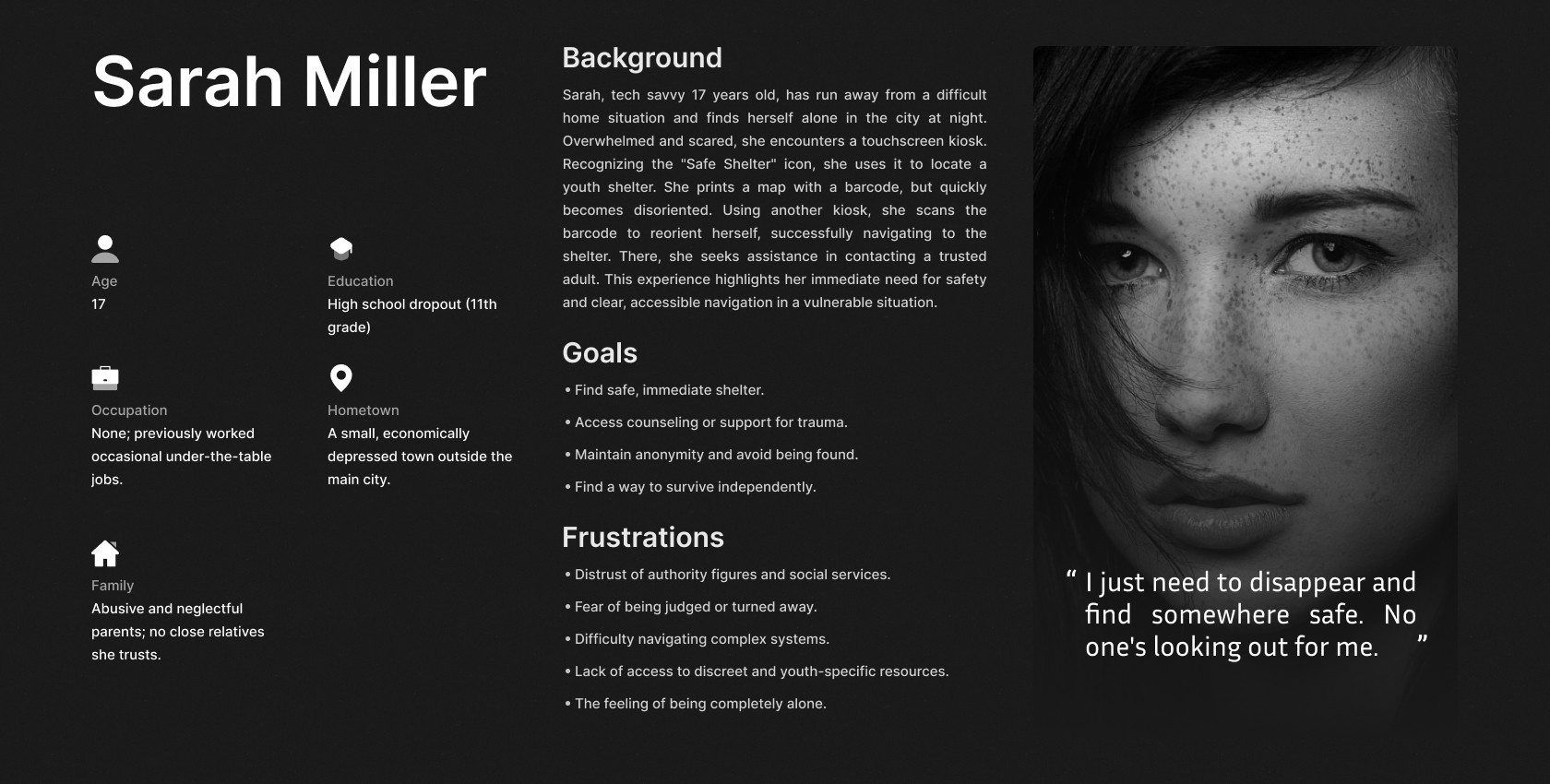
Sarah Miller is a tech-savvy, vulnerable 17-year-old who needs immediate and discreet access to safe shelter and navigation assistance because she is fleeing an abusive home and requires a reliable, accessible system to locate and reach essential services without relying on prior digital literacy or attracting unwanted attention.
John Walker
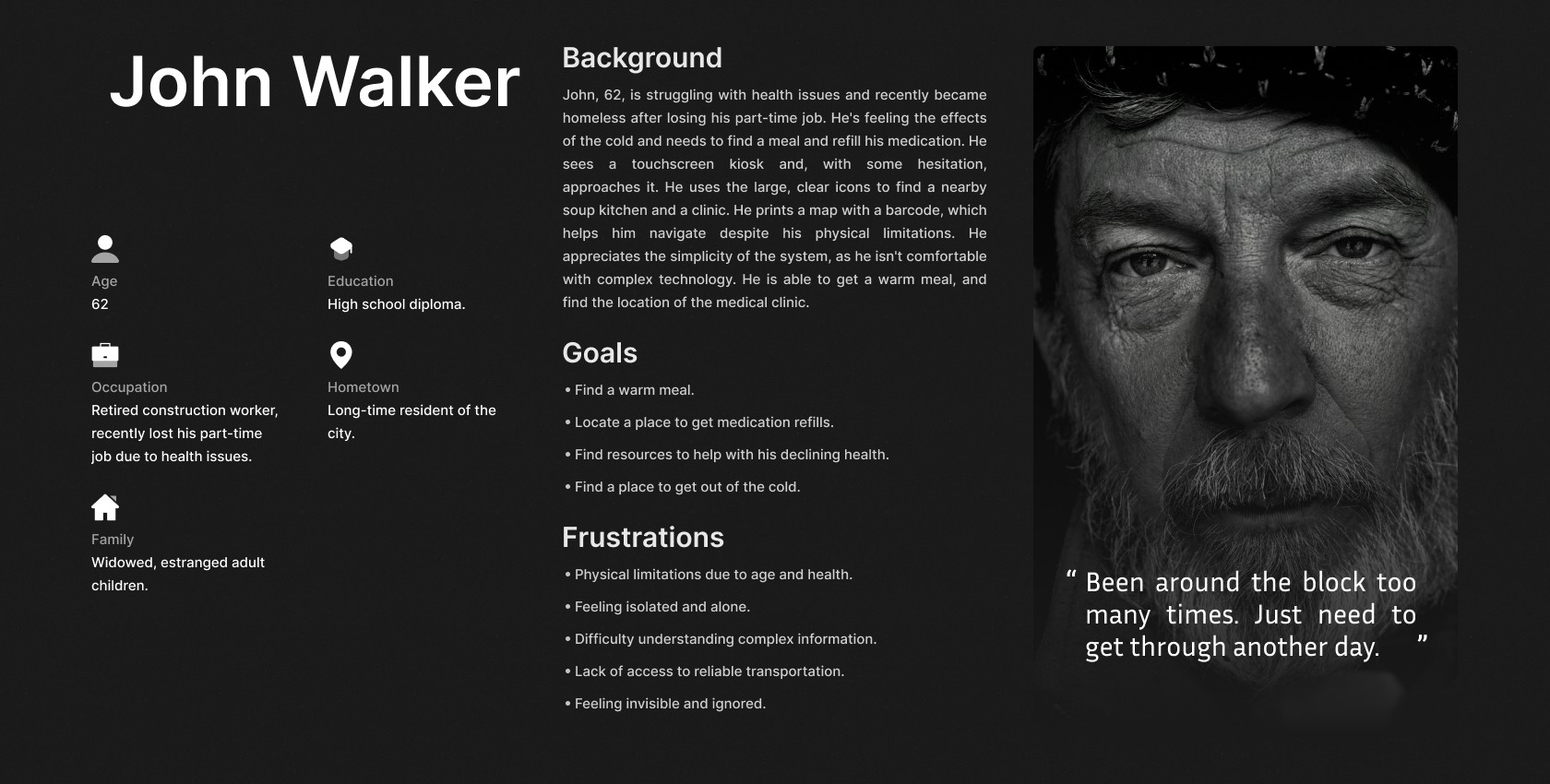
John Walker is a 62-year-old, recently homeless individual with physical limitations and limited digital literacy who needs to easily locate and access essential services (food, medication, shelter) because he struggles with navigation, complex information, and feels isolated, hindering his ability to meet his basic needs and manage his health.
Design Exploration
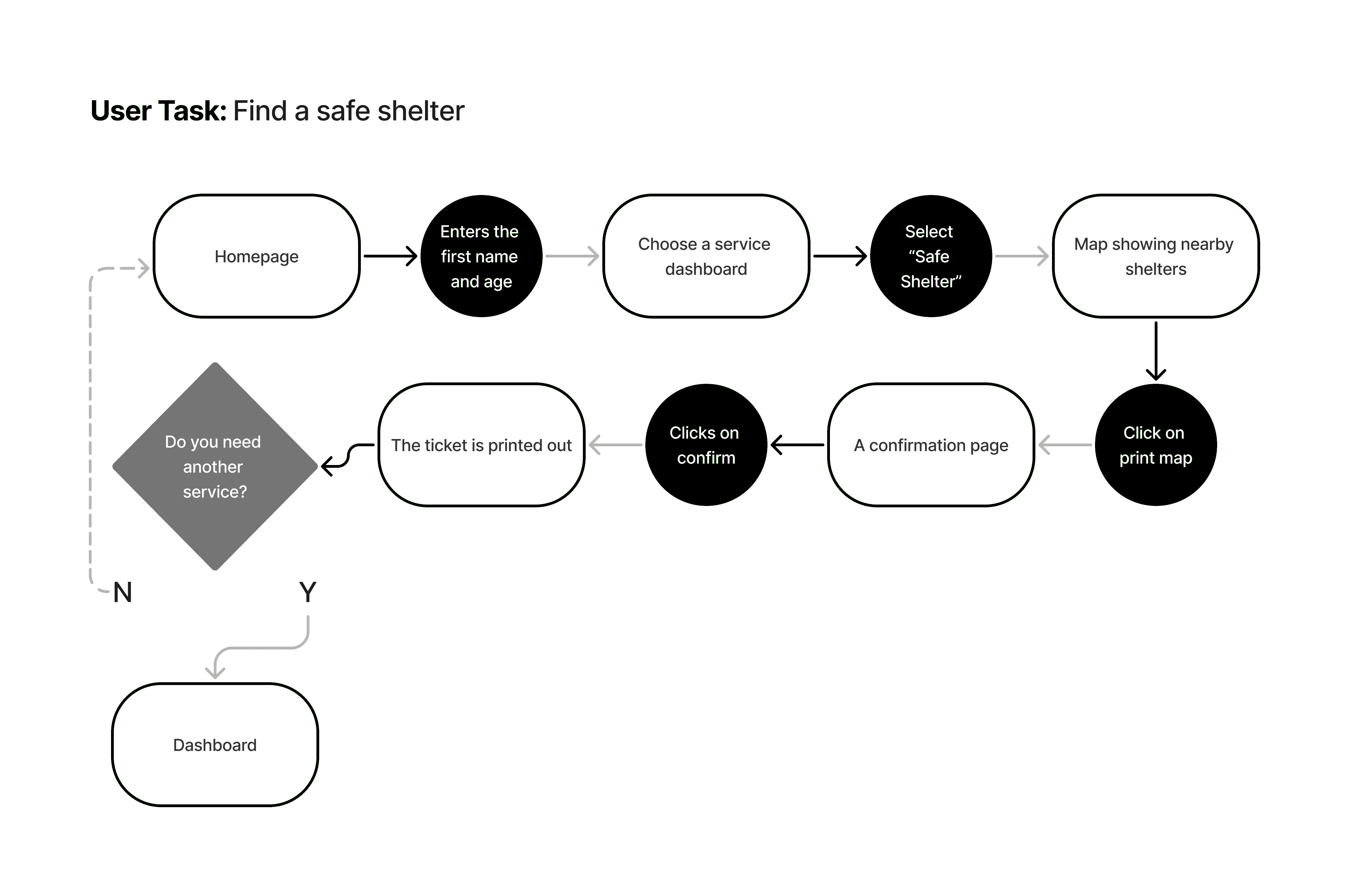
The design exploration translated the research insights into a simple path from identifying a need to reaching an appropriate service. The experience was structured around minimizing decisions and reducing unnecessary interaction so users could move through the system with greater confidence, particularly in stressful situations.
User Flow
Wireframes
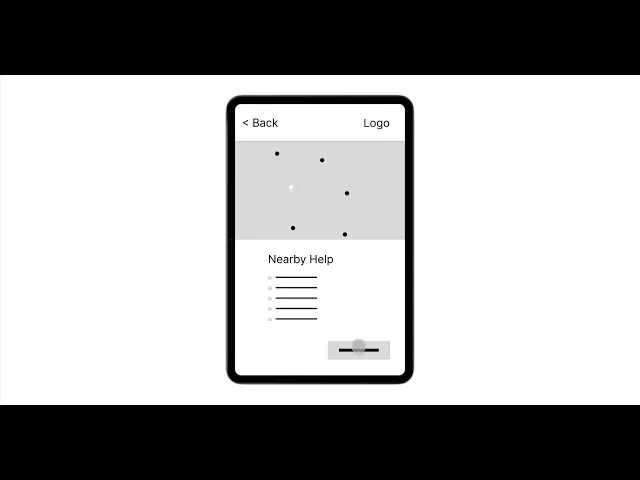
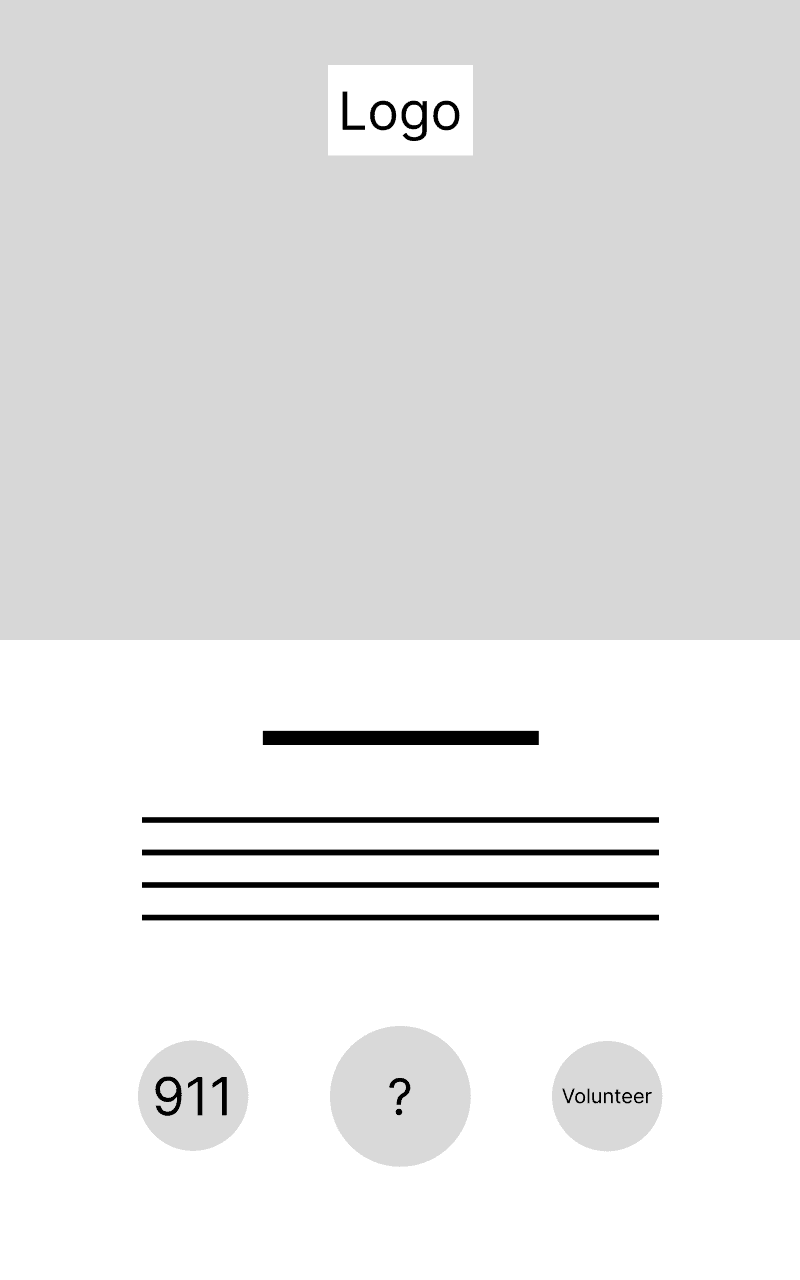
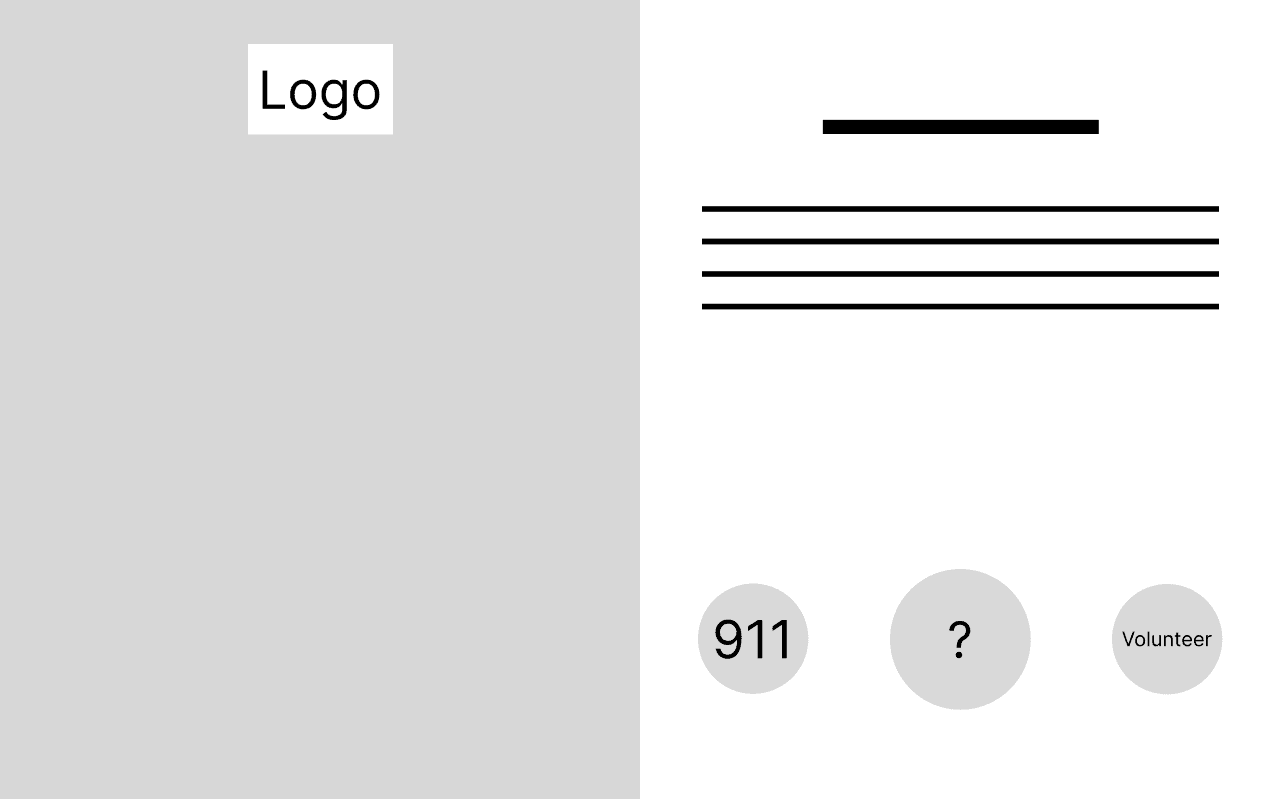
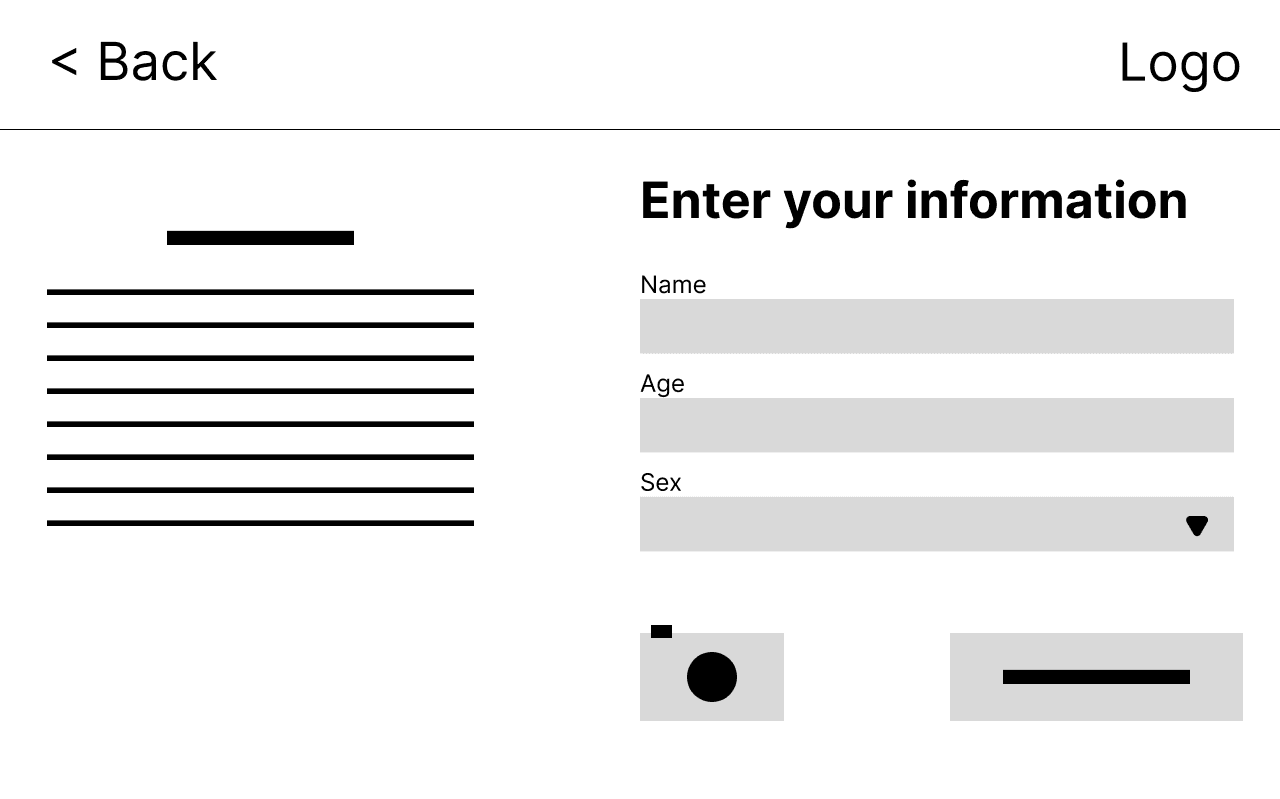
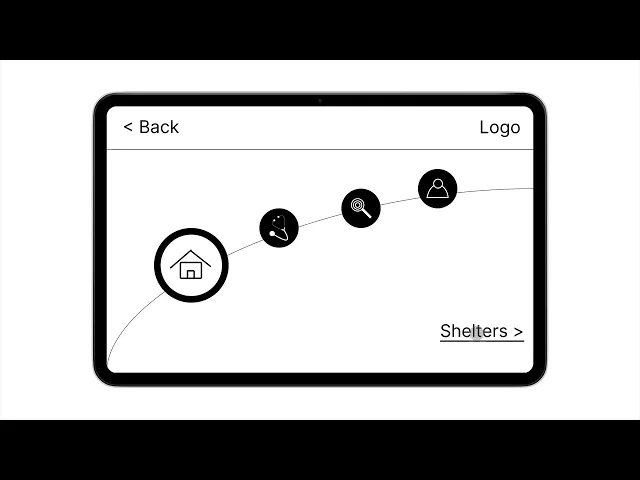
The wireframing phase translated the simplified user flow into touch-friendly interface structures before visual styling was introduced. The focus was on making essential actions easy to recognize, minimizing decision points, and maintaining readable layouts for users with different levels of digital literacy and physical ability.
Low-Fidelity Prototype
Design Decisions
Minimized decision points
Rather than presenting users with multiple choices at once, I structured the experience around a small number of clear actions so users could progress toward essential services without unnecessary cognitive load.
Prioritized readability and recognition
Large, readable elements and clear visual cues were prioritized so users with limited digital literacy or physical limitations could identify important actions and information more easily.
Focused navigation around essential needs
The navigation was organized around essential service categories and nearby resources, allowing users to move from identifying what they need to locating where they can access it with minimal steps.
Designed for calm interaction
The interface was intentionally kept simple and visually controlled to avoid adding unnecessary stress in situations where users may already feel vulnerable or overwhelmed.
Visual Design & UI System
After validating the structure and flow, I developed a visual system focused on calmness, legibility, contrast, and consistency. The interface uses large touch targets, clear iconography, and accessible visual choices to help users recognize important information and actions quickly, particularly when navigating under stress.
Design System

Final Design Solution
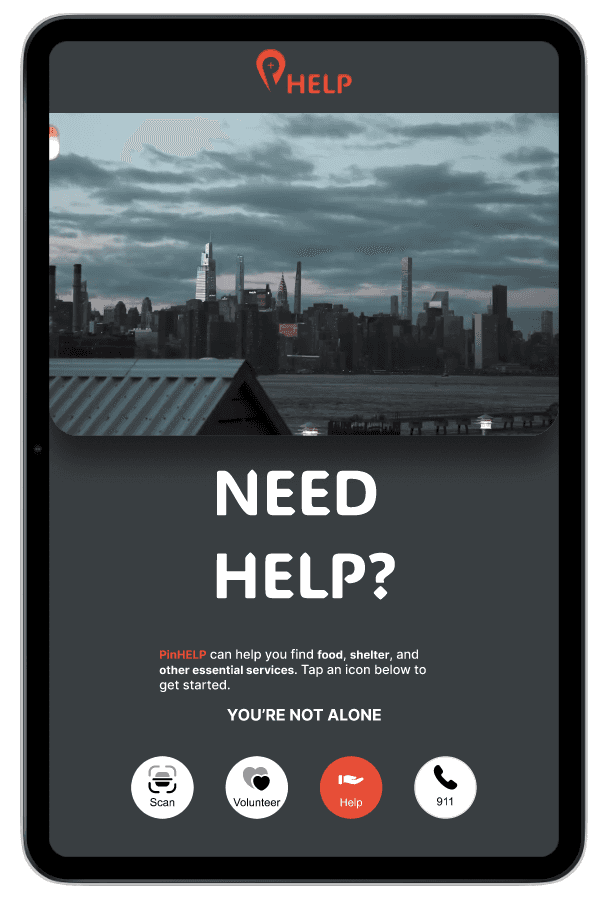
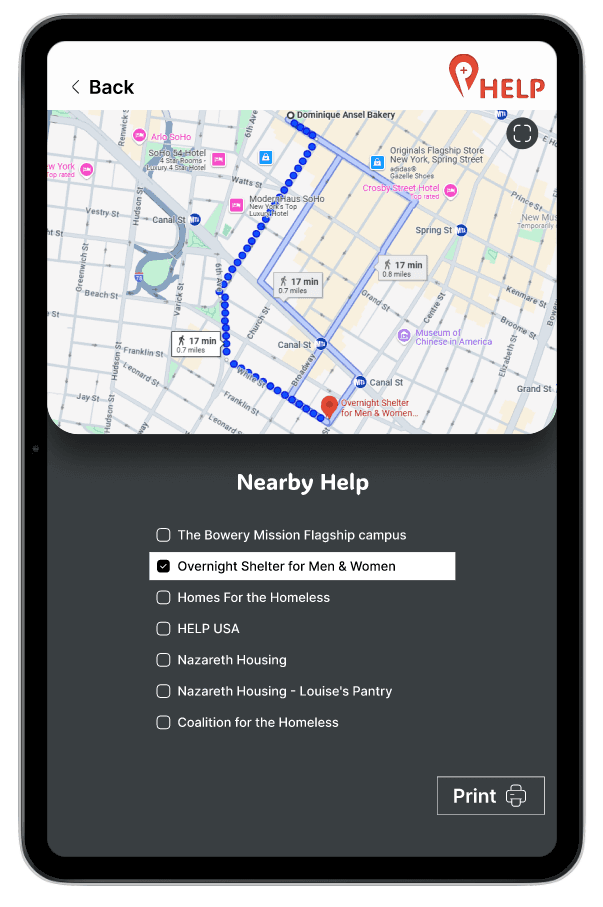
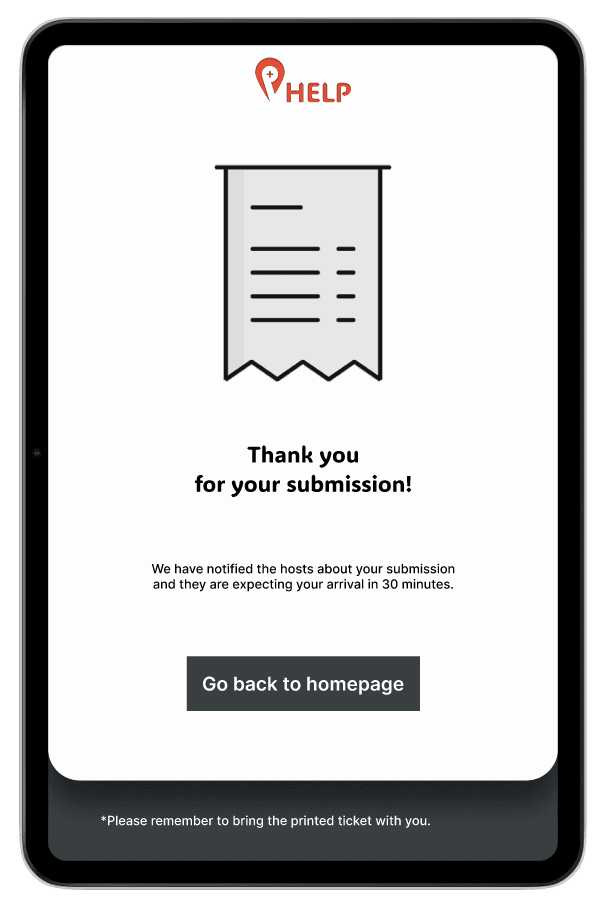
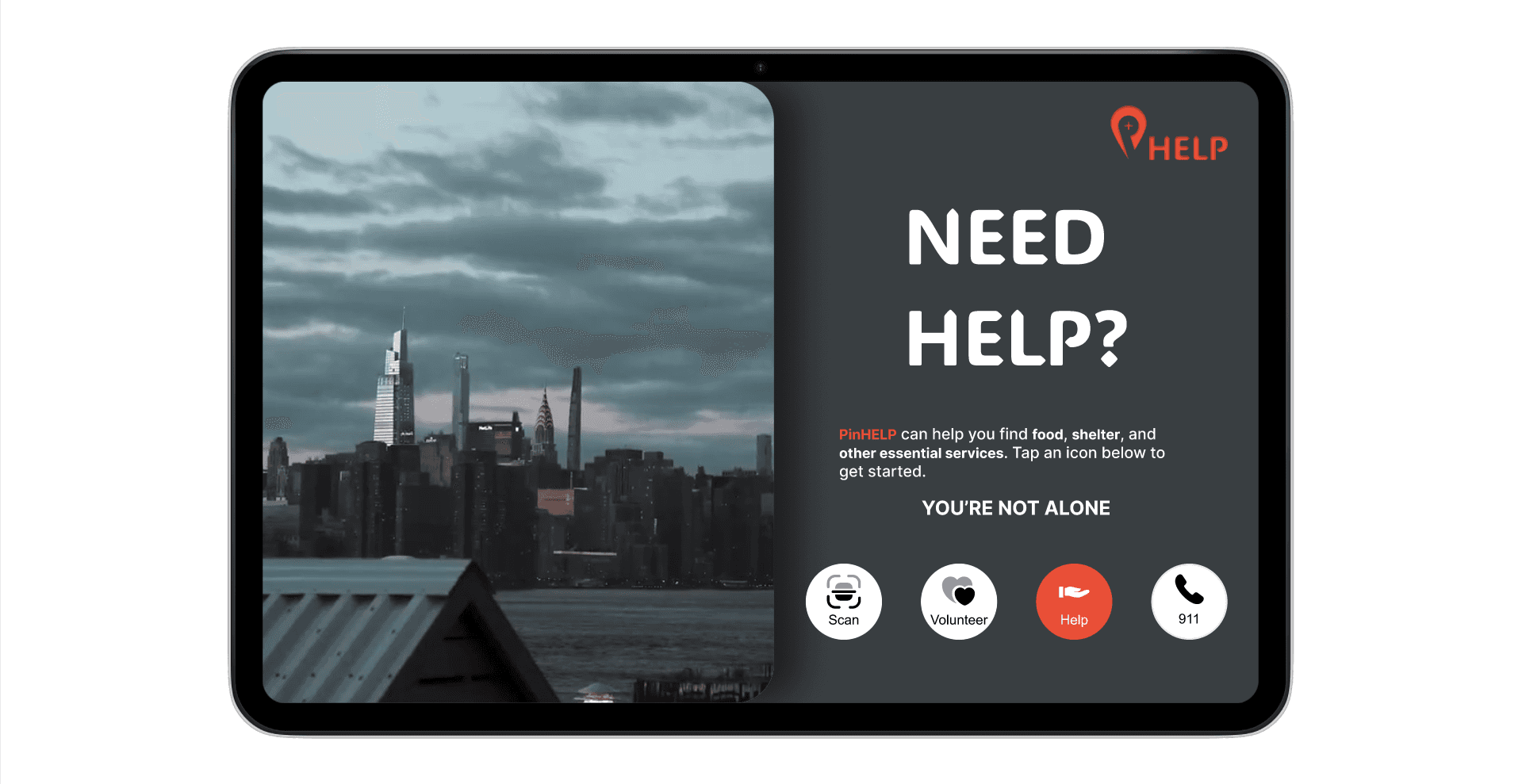
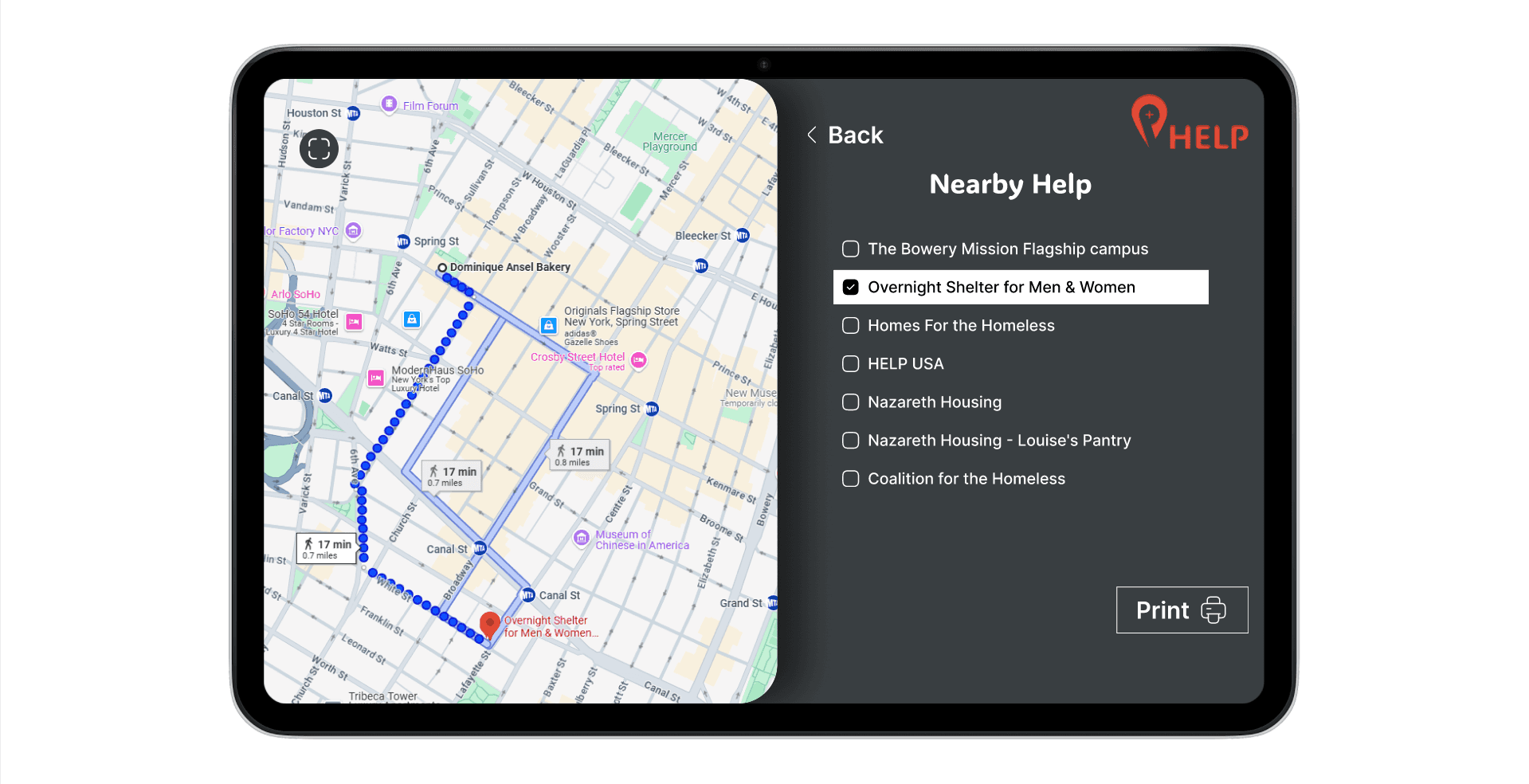
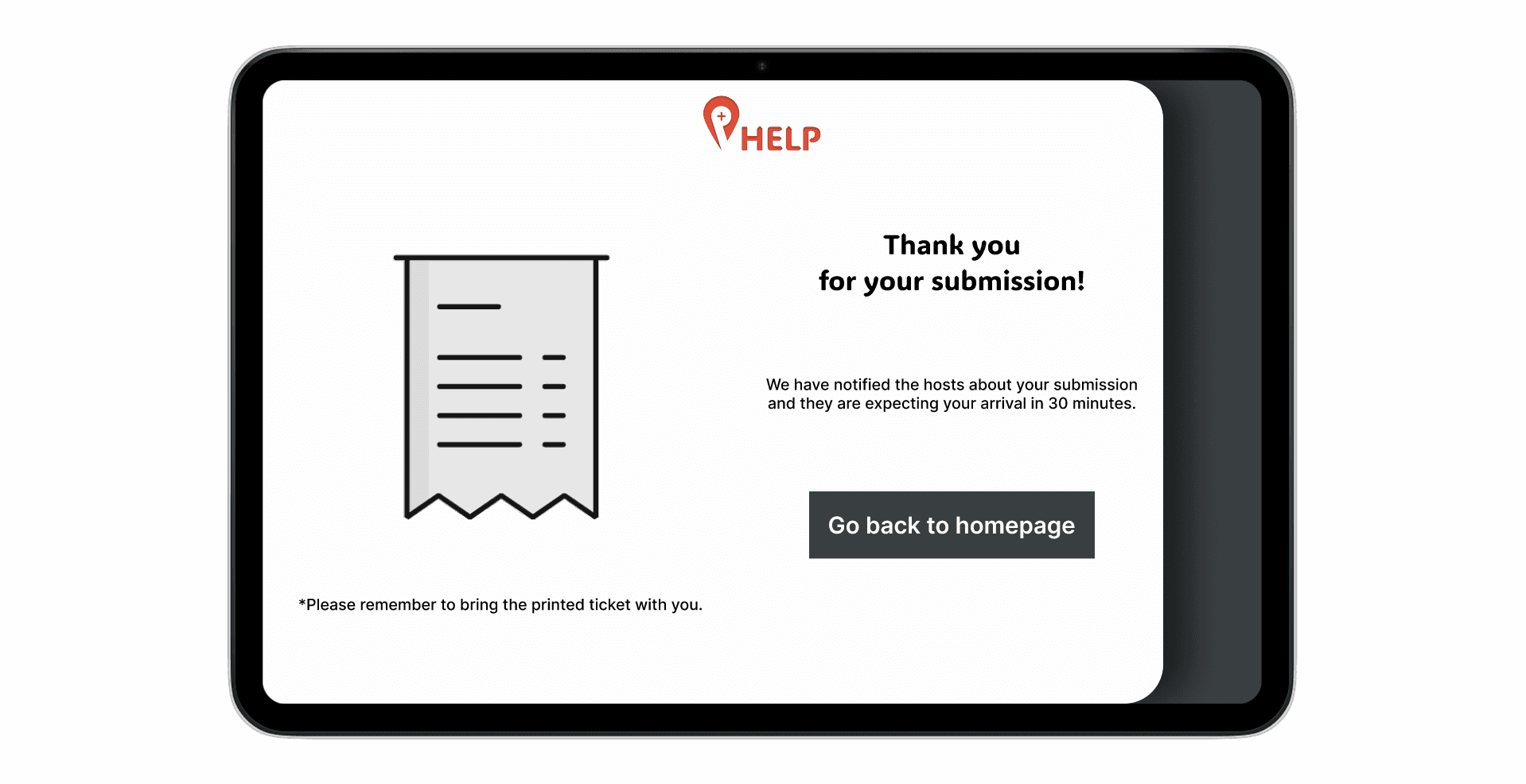
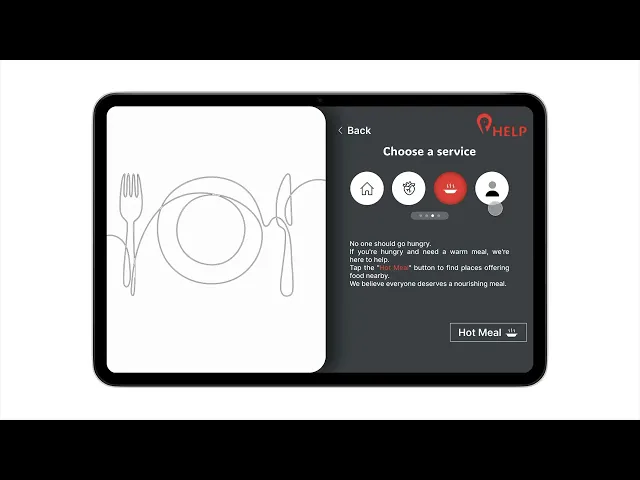
The final design delivers a focused touchscreen experience that helps users move from identifying an essential need to finding an appropriate service with minimal friction. The solution combines category-based access, location-aware navigation, readable touch interfaces, and a calm visual language to support users in vulnerable or high-stress situations.
Key Features
The solution centers on four core capabilities: accessing essential services by category, finding nearby resources, navigating through a simple touchscreen interface, and reducing visual and cognitive pressure through a calm and readable experience.
High-Fidelity Prototype
Usability Testing & Iteration
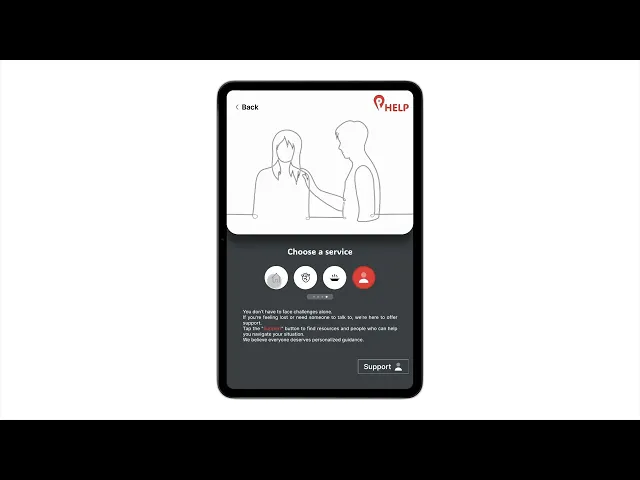
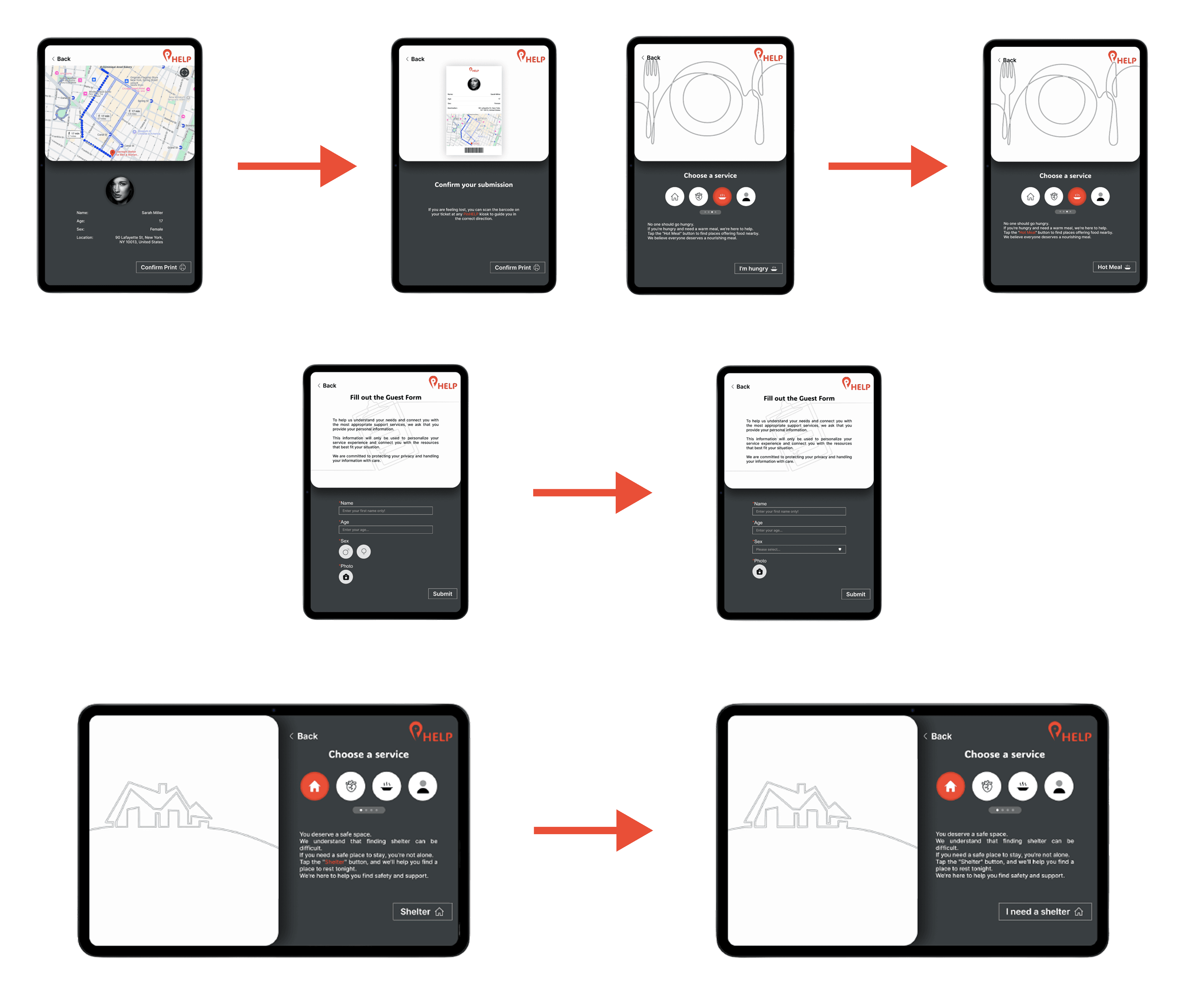
Usability testing was conducted with interactive prototypes to assess clarity, accessibility, and emotional comfort. The testing focused on identifying where the experience could be simplified and where stronger visual cues were needed to help users navigate essential services with greater confidence.
Findings
Outcomes & Learnings
PinHELP reinforced that accessibility is not an additional layer applied after the interface is designed; it must shape the experience from the beginning. Designing for vulnerable users also highlighted how emotional context directly affects usability, making simplicity, clarity, and intentional accessibility essential when a product is intended to support people in difficult situations.